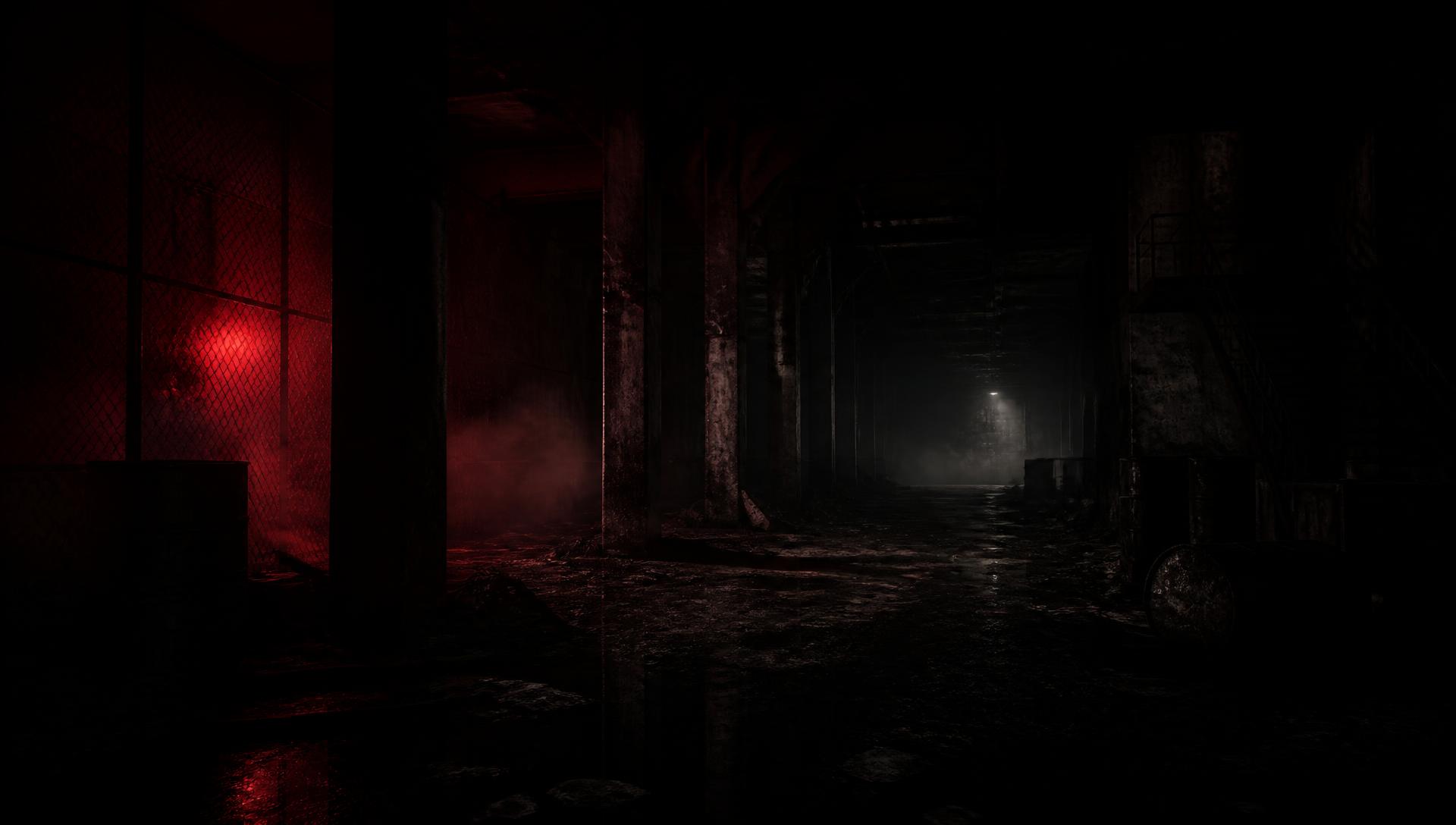
Welcome to the OZARK Launch Preview
Thank you for being here!
Firstly, a big thanks to everyone participating in the OZARK Launch Preview. This game was built by three longtime friends with wives, kids, and full-time jobs. They have been waiting for 6-7 years to see your impressions, and the launch of OZARK is literally just around the corner.
Why they made OZARK
OZARK was made for busy gamers who still miss the feeling of sitting down with a friend, taking on a complete story, and having the chance to finish it together in one sitting, maybe two. It’s an excellent change of pace amidst an industry increasingly filled with massive games that demand dozens, if not hundreds of hours.
Before you play
- A controller is highly recommended.
- If you plan to play online with another creator, only the host needs a Steam key. The second player joins through Steam Remote Play Together.
- If you plan to stream for around three to five hours, there is a good chance you can finish the game in one sitting, depending on your pace and difficulty.
- Please do not publish, stream, or share footage before the embargo.
Playing OZARK
OZARK was built first and foremost as a co-op experience. Play locally with two controllers, online through Steam Remote Play Together, on Steam Deck, or solo. Solo play is fully supported and still delivers the complete OZARK experience.
During co-op, you can choose shared-screen, split-screen, or the automatic option that changes between them as players move apart. You can change the setting at any time.
When the game begins
You begin the game injured after the crash. Follow the opening tutorial, collect the nearby medical supplies, and watch for the interaction prompt before moving forward. The opening sequence introduces movement, jumping, healing, interaction, and the basic controls you will need throughout the game.
What to expect
OZARK delivers intense action, horror, multiple difficulty settings, and the kind of co-op moments where you are having a blast, getting pissed off, and pushing each other to keep going :)
Short, intense, and made to be played with a pal.